Tiny Hands Play
Free educational games for kids of all ages.
Kaboom Keys (1 – 3 years): Smash the keyboard and make it rain emojis!
Ball Bonanza (2 – 4 years): Kick the ball past the animal goalie and score!
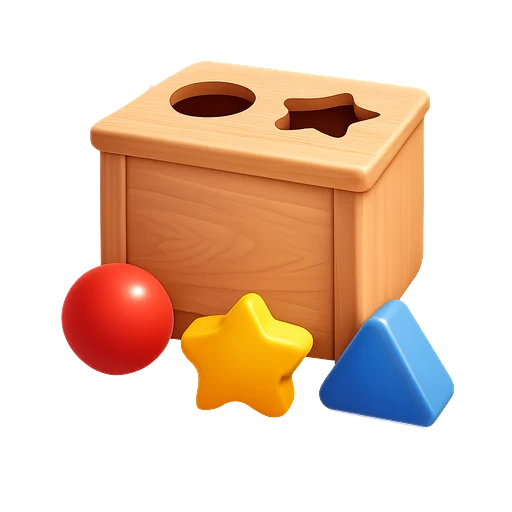
Shape Sorter (2 – 4 years): Pop each wooden shape into the hole that fits it!
Jigsaw Puzzles (2 – 6 years): Put the picture back together, piece by piece!
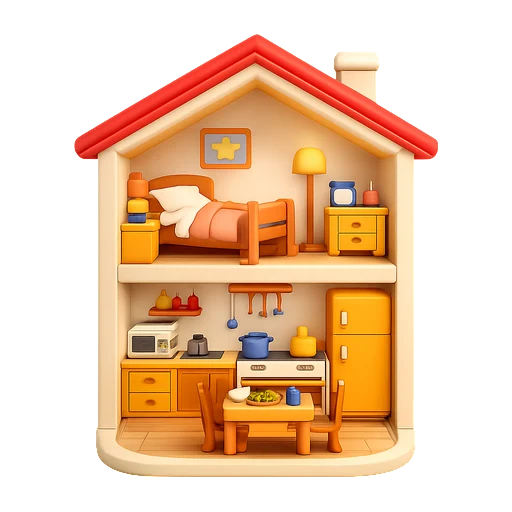
Little House (2 – 5 years): A cosy dollhouse and garden: tuck the friends into bed!
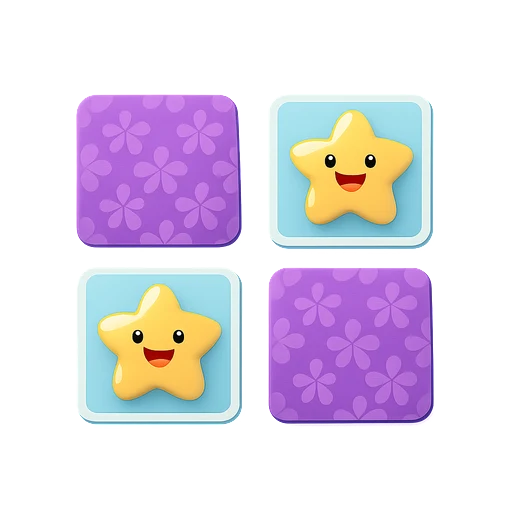
Memory Match (2 – 10 years): Find the matching pairs!
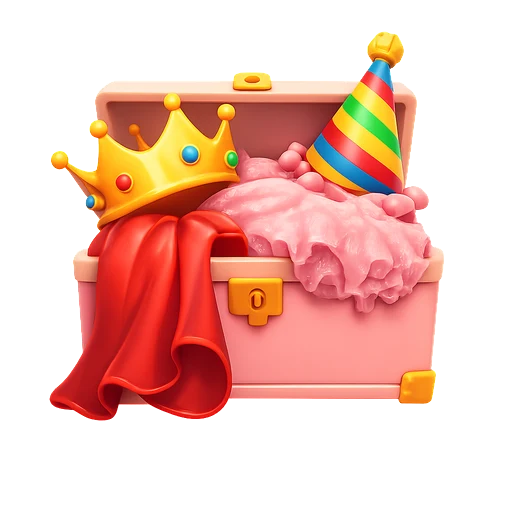
Dress-Up Party (2 – 5 years): Dress a friend, paint the clothes, then dance!
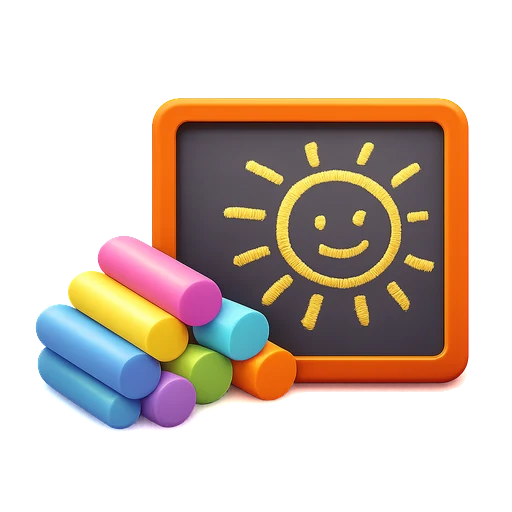
Chalk Art (2 – 8 years): Draw with chalk on a blackboard or the playground!
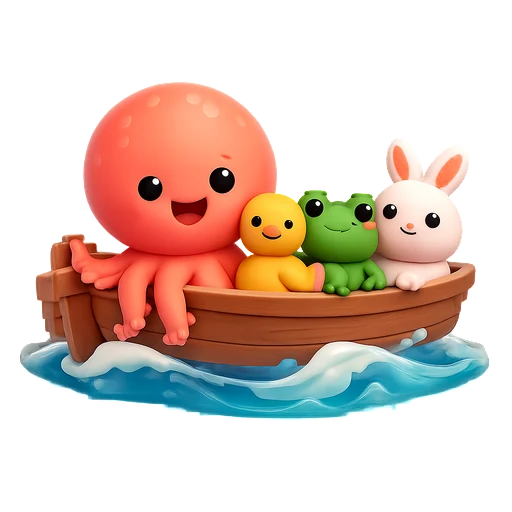
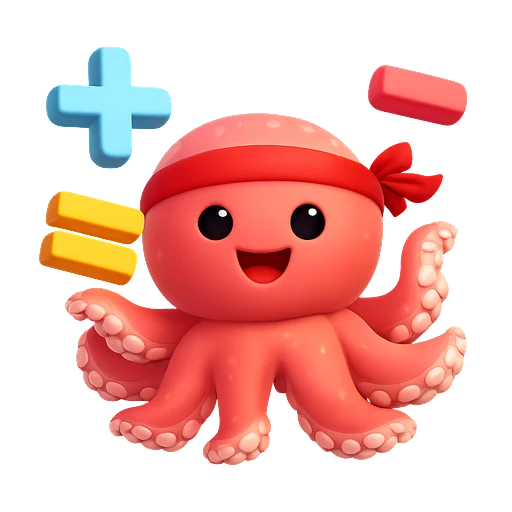
Counting Critters (3 – 5 years): Help Otto the octopus count the animals in the boat, then sail away!
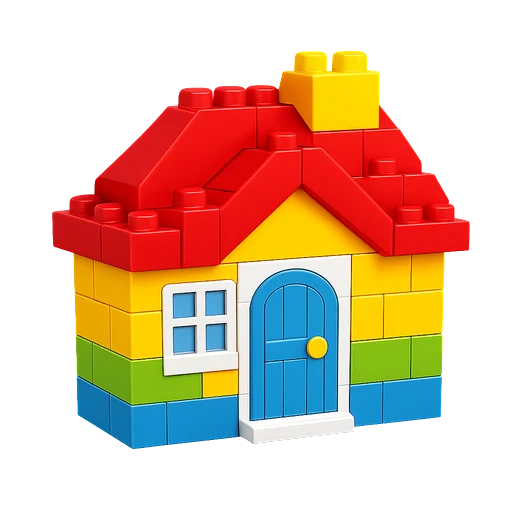
Brick Builder (3 – 8 years): Pick a brick, drop it, build anything!
Pop-Up Pals (3 – 8 years): Biscuit pops out of the holes. Tap him before he hides!
Sort It Out (3 – 7 years): Feed the litter to the right bin and clean up the park!
Melody Maker (3 – 7 years): Play the piano and learn melodies!
Spell It Out (4 – 7 years): Find the missing letter!
Stack It Up (4 – 6 years): How tall can you build your tower?
Balloon Float (4 – 8 years): Tap to float, dodge the clouds!
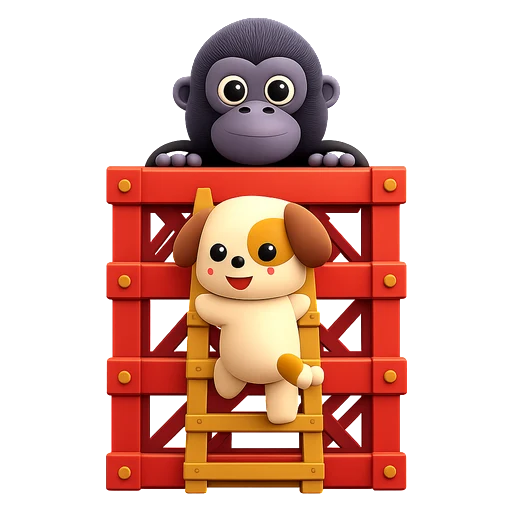
Gorilla Tower (5 – 9 years): Climb the tower and save the princess!
Rocket Ride (5 – 9 years): Blast off and dodge the asteroids!
Tiny Town (6 – 10 years): Collect gifts and deliver them across town!
Math Ninja (6 – 10 years): Number basics and sneaky mental-math tricks!
No installs, no ads, no paywall. Please enable JavaScript to play.
 Back to playing!

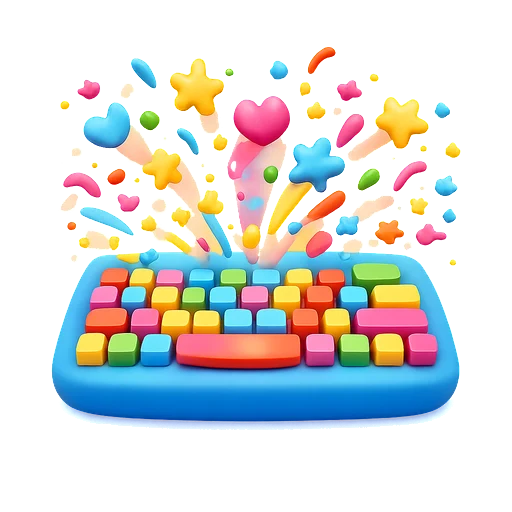
 What they learn: Cause-and-effect thinking, fine motor skills, and sensory exploration. Every keypress gets a response, teaching little ones that their actions make things happen.













 0
0