What it is
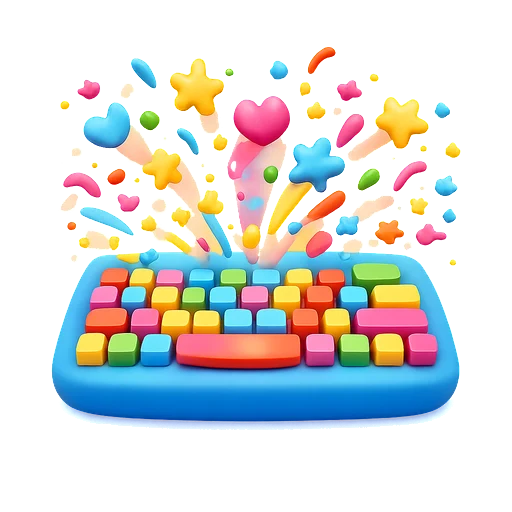
Kaboom Keys is the game Tiny Hands Play started with. A baby or toddler presses any key on the keyboard, or taps anywhere on a tablet screen, and a big colorful emoji pops up with a cheerful sound. That is the whole game, and that is the point: at this age, discovering that your action makes something happen is the lesson. Nothing can be broken, there are no menus to fall into, and the keyboard is finally allowed. Switch on ABC mode and each letter or number key shows a giant letter card with a matching picture, so the same smashing turns into a first look at the alphabet.
How to play
On a laptop or desktop
Press any key. Letters, numbers, space, arrows and even Shift each have their own emoji. Hold nothing, mash freely.
On a tablet or phone
Tap anywhere on the screen. Several fingers at once make several emojis. Tap the ABC button in the corner to switch to letters and numbers.
What children learn
- Cause and effect: my action makes a thing happen
- Fine motor control: isolating one finger to press one key
- Letter and number recognition in ABC mode
- Sensory exploration of color, motion and sound
Tips for parents
Sit your child at a real keyboard once the game is running so they can see the connection between the key and the pop. If a key does nothing, it is probably a modifier like Fn. Kaboom Keys is also a good first game for children who are not yet ready for anything with a goal.
Questions parents ask
Is Kaboom Keys safe for a baby to mash?
Yes. The game captures every key so nothing else on the computer is affected while it is open. Keyboard shortcuts like Cmd+R still work for the grown-up.
What is ABC mode?
A toggle in the top corner. When it is on, letter and number keys show a big letter card with a matching emoji (A with an apple, B with a bee), and taps walk through the alphabet in order. Other keys are ignored.
Does it work on a tablet without a keyboard?
Yes. Tapping the screen pops emojis, and multi-touch works, so two hands make twice the chaos.